Connect
Canary reads the proposals, resumes and project sheets you already keep, in SharePoint, Drive, Outlook or your own server. No library for you to build.
Read moreCanary turns everything your firm has bid into one library, then runs your next bid from it.
Works with
 SharePoint
 Google Drive
 Outlook
 Teams

 Word
 PDF
 InDesign

Developed with advisors at 
Canary reads the proposals, resumes and project sheets you already keep, in SharePoint, Drive, Outlook or your own server. No library for you to build.
Read moreEvery new RFP on the portals you bid on, sorted by fit and sent each morning to whoever covers that discipline.
Read moreWhat each RFP asks for, checked against your record: what you’re missing, the contract risks and your odds, each with its source. Go or no-go stays your call.
Read moreUpload the RFP and get a first draft in Word or InDesign, written to the agency’s scoring criteria, with a source behind every section.
Read moreCanary handles the admin: it chases every piece from your team by email, catches every addendum and deadline, books the meetings, and checks the package against the RFP before you submit.
Read moreWho beats you, where, and why: on qualifications or on fee. So your next go/no-go rests on facts, not gut feeling.
Read more United States of America
Every proposal and project sheet, won or lost.
Everyone’s resume, role and licenses.
What each agency buys, who it picks, and what its debriefs said.
Every public award near your work: who won, and for how much.
Your next RFP starts from what you’ve won.
Your past proposals are trade secrets. Canary treats them that way, in writing.
Only your own team, signed in, can open your files. Not other firms on Canary, and not our staff unless you say so.
Your team signs in with its Microsoft or Google work account. Anyone outside your firm is turned away.
Your files are stored and processed in the EU, and never leave it.
Your files never train Canary’s models or anyone else’s. Not once.
We sign yours before you share a single file, and everything you share stays covered.
Delete any file, or leave, whenever you want. The file and everything Canary took from it are gone within 30 days.
 Schools and campuses
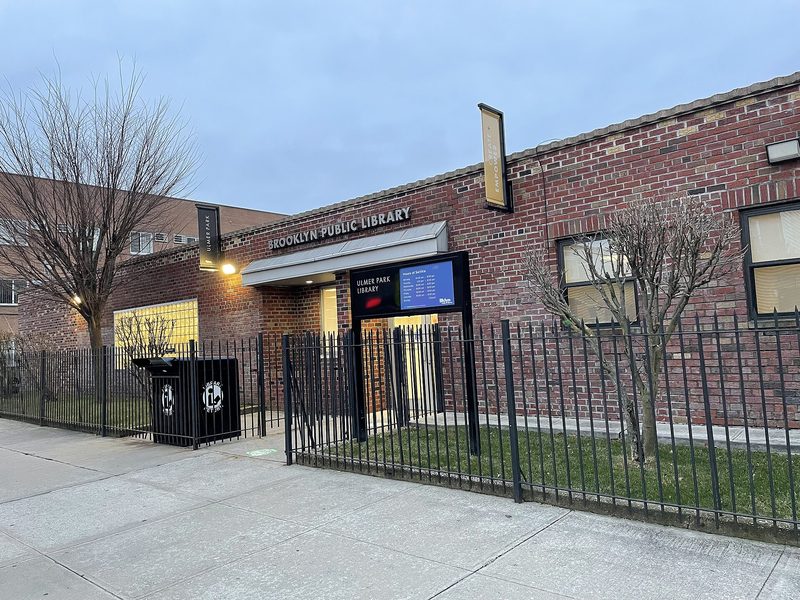 Libraries
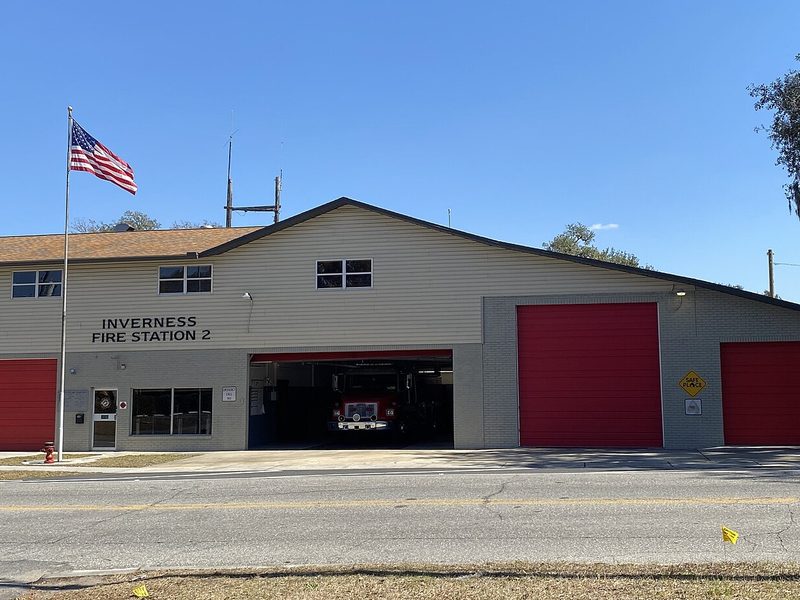 Fire and police stations
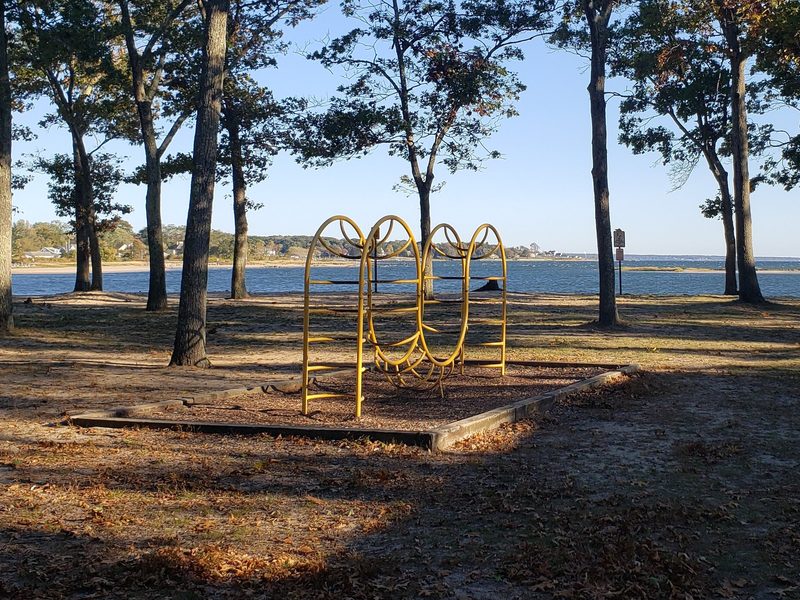 Parks and recreation
 Affordable housing
 Civic buildings
 Bridges
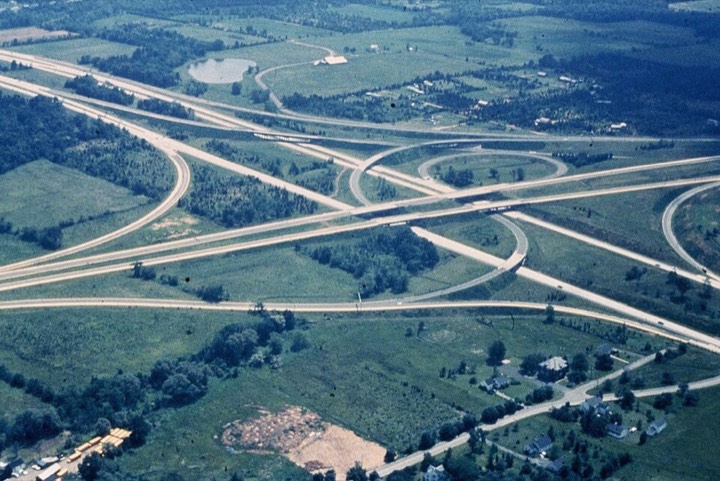 Roads and highways
 Transit
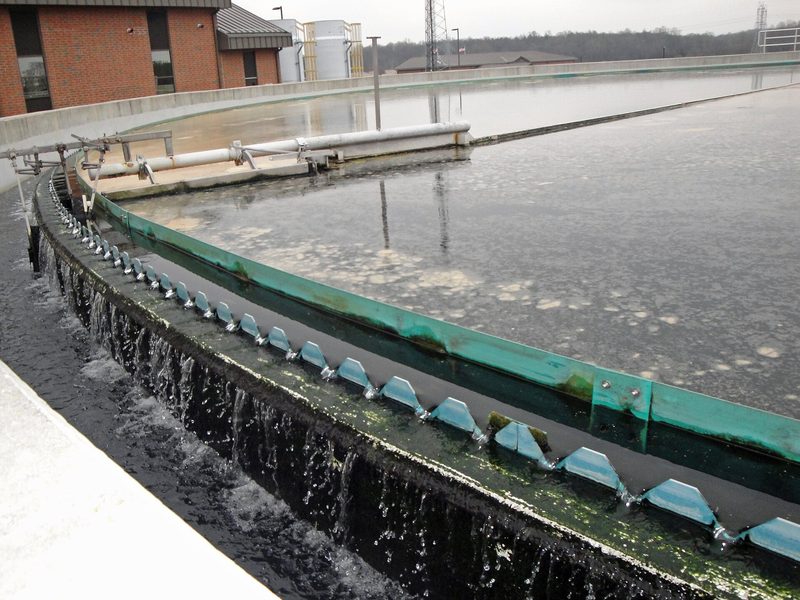 Water and wastewater
 Energy and utilities
Your team finishes every draft, and you're always the one who submits.
Request a demoNo. Canary writes only from your own proposals, resumes and project sheets, so every draft says what your firm has done, and each section shows the file it came from.
Canary checks public bid portals every six hours, from SAM.gov to your state and city portals, and keeps the RFPs that fit your work, each with its go/no-go. Award results come in every week.
Two business days after you sign. Connect where your files live, or send them, and Canary does the rest. Your team doesn’t set anything up.
Yes. Drafts come out in Word to write together, laid out in your own InDesign template, or as a PDF ready to send.
They’re yours. Leave, or delete any file, and it’s gone within 30 days, with everything Canary took from it. Your files never train AI.
Per proposal, in a yearly plan sized by how many bids you do. You start with a paid pilot, and its fee counts toward your first year.
Up and running two business days after you sign.
Book your personalized demo